Free VIN Lookup
Enter a 17-character VIN to see what the car is and what happened to it. Decoding and the auction records we hold are free; the full history report — title brands, accidents, odometer, owners — is one payment, shown before you pay.
What a VIN lookup shows
Free
- The car itself — make, model, year, engine and the plant it was built in, decoded from the VIN.
- Auction records with photos — if the car was sold at a US auction, the sale records and the photos taken at the time.
- A VIN sanity check — length, characters and the check digit, so a typo shows up before you rely on it.
Full history report
- Title brands and title history — salvage, rebuilt, flood, junk, lemon buyback, with dates and states.
- Accidents and damage — reported damage records and a damage map of the body.
- Odometer — every recorded reading on a timeline, with rollback and "not actual" flags.
- Owners and registrations — number of owners, ownership periods and usage type where recorded.
- Service, inspections, recalls and earlier sales of the same VIN with their photos.
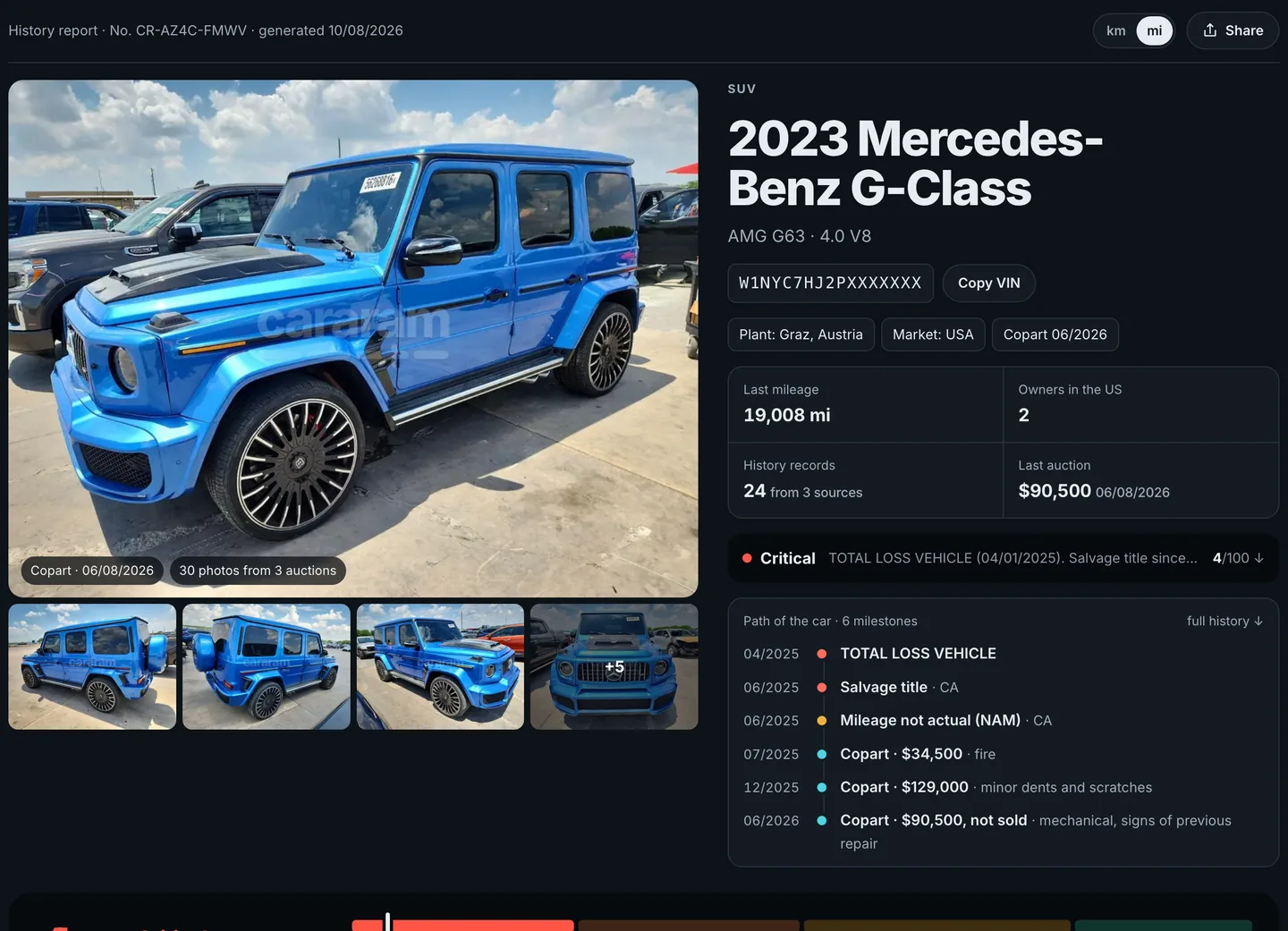
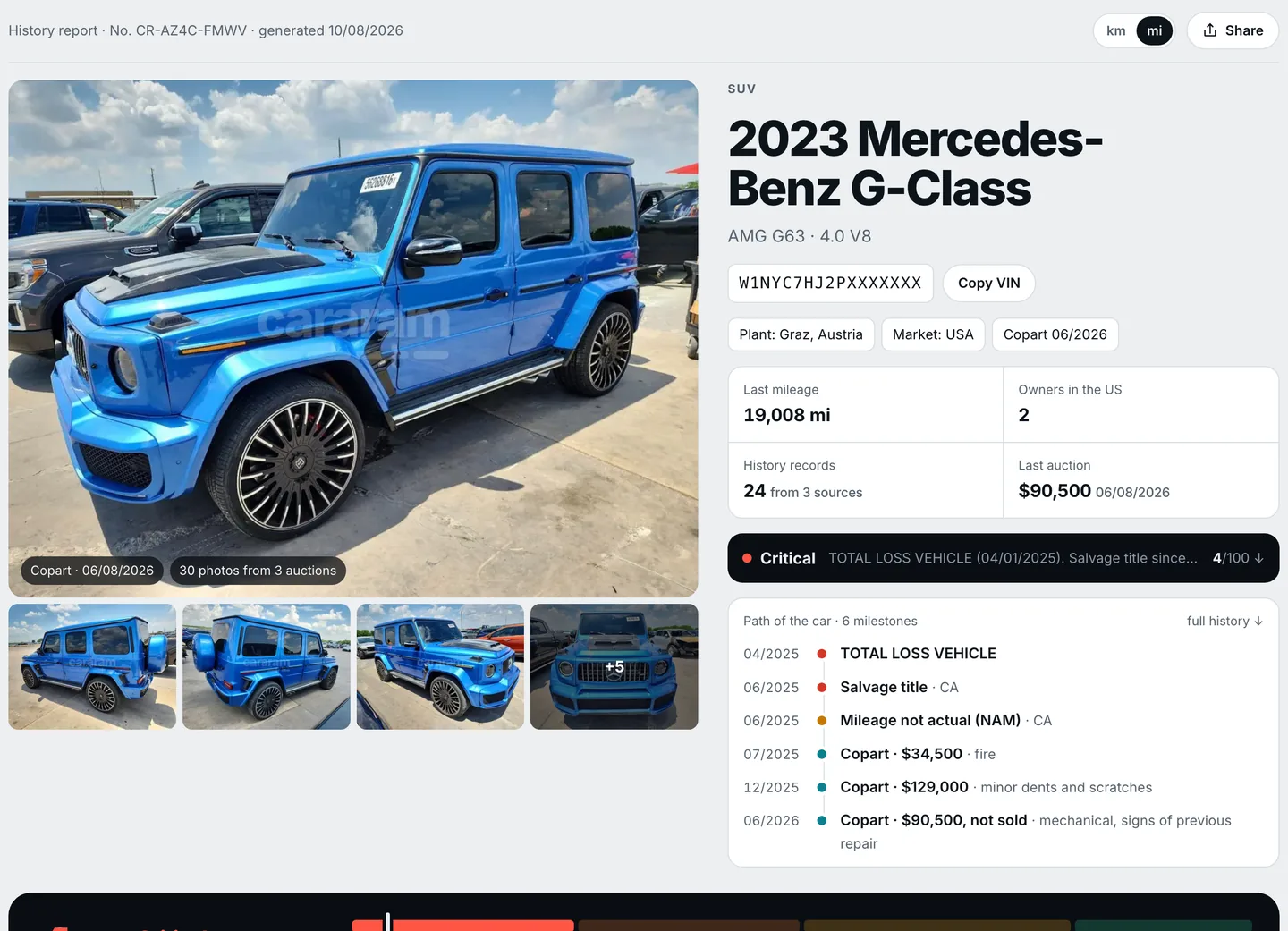 Sample report
See what's inside a report →
Example from another vehicle. These are not findings for your VIN.
Free checks
How to check a car by VIN
-
1. Find the VIN
Windshield plate, driver's door jamb, or the title and registration. Check that they match.
Where to look → -
2. Enter it above
The VIN is decoded as you type. Free auction records show up right away when we have them.
-
3. Read the report
Pay once and open the report in your browser; the link is also sent by email so you can come back to it.
Cars built for other markets
Full reports cover cars built for the US and Canadian market — including the many that were later exported to Europe, the Middle East and beyond. A VIN from a car built for Europe, Japan or Korea follows different rules (the check digit, for one, is often not used). Enter it anyway: we will tell you what we can read from it, and you can leave your email to get its report as soon as one is available.
Guides
- Where Is the VIN Number on a Car? Every Place to Look
- How to Read a VIN: Position-by-Position Guide
- Salvage vs Rebuilt Title: What It Means and How to Check It
- What Is Odometer Rollback and How to Check a Car's Mileage
- Flood-Damaged Car: 12 Signs and How to Check the VIN
- Buying a Car Imported From a US Auction: How to Check It
Frequently asked questions
A VIN lookup turns the 17-character vehicle identification number into facts about one specific car: what it is (make, model, year, engine, where it was built) and what happened to it — title brands, accidents and damage, odometer readings, owners and earlier sales.
Decoding the VIN and the auction records with photos we hold for it are free. The full history report is a one-time payment shown before you pay — no subscription, no account.
Title brands and title history, reported accidents and damage, every recorded odometer reading with rollback flags, owners and registrations, service, inspection and recall records where available, and earlier sales of the same VIN with their photos — on one timeline with a 0–100 history index.
On the dashboard plate at the bottom of the windshield on the driver's side, on the label in the driver's door jamb, and on the title, registration and insurance documents. All of them must match.
If the report comes back without records for the VIN you entered, you get a full refund.
Full reports cover cars built for the US and Canadian market, including the ones later exported. For a car built for another market you can leave your email and we will send the report for that VIN as soon as one is available.
No — the lookup works by VIN only. The VIN identifies the car itself, while plates change with owners and countries.